Bank Transfer Details
Bank Name:
HDFC Bank
Account Name:
TRAVELGETINDIA
Account Number:
50200104730364
IFSC Code:
HDFC0004217
Branch:
TARAMANDAL
Note: After making payment, please submit transaction details below and upload payment screenshot/receipt.
UPI Payment Options
Google Pay / PhonePe
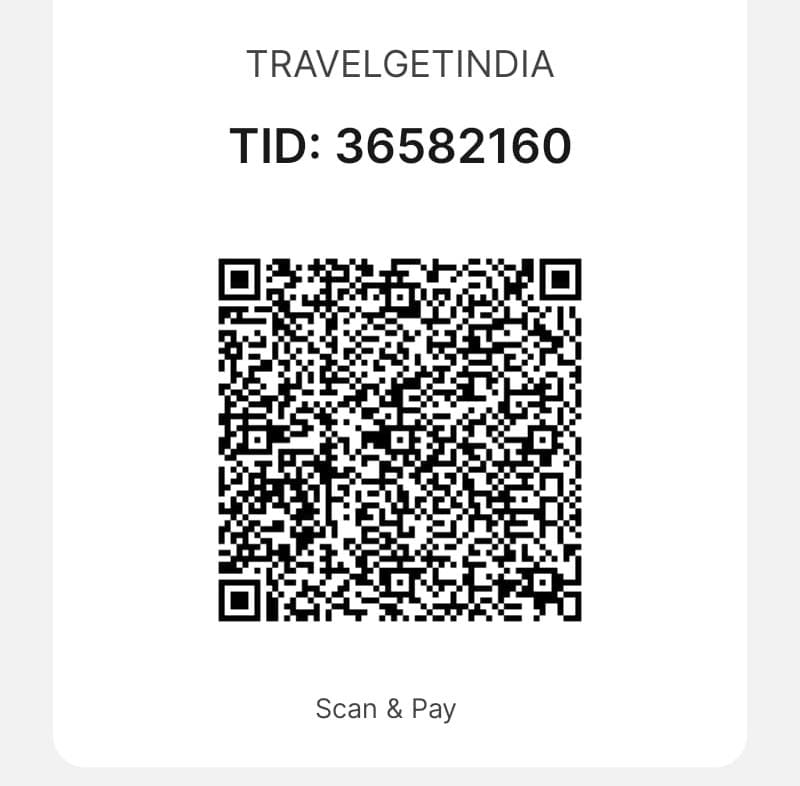
UPI ID:
travelgetindia.36582160@hdfcbank
Paytm / BHIM UPI
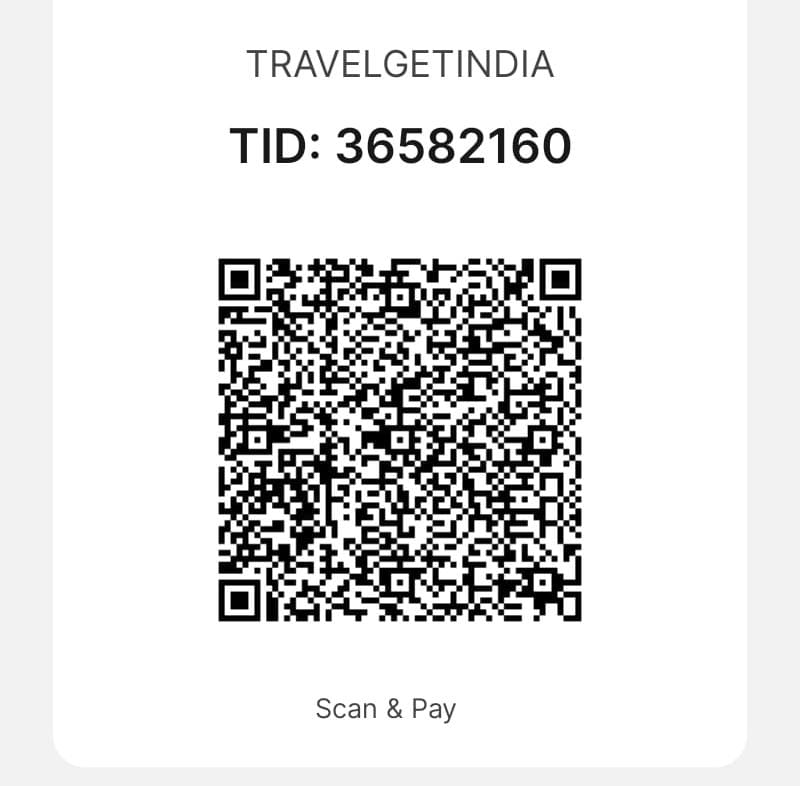
UPI ID:
travelgetindia.36582160@hdfcbank
Important: Scan QR code using any UPI app or manually enter the UPI ID to make payment.
Submit Payment Details
Need Help with Payment?
Our team is available 24/7 to assist you with any payment queries.
Secure Payment
- 100% Secure Transactions
- Encrypted Data Protection
- Verified Bank Accounts
- No Hidden Charges
- Instant Confirmation
Payment Instructions
- Choose your preferred payment method (Bank Transfer or UPI)
- Make the payment using provided account details or QR code
- Take a screenshot of successful transaction
- Fill the form above with transaction details
- Upload payment proof and submit
- You will receive confirmation email within 1 hour
We Accept


